


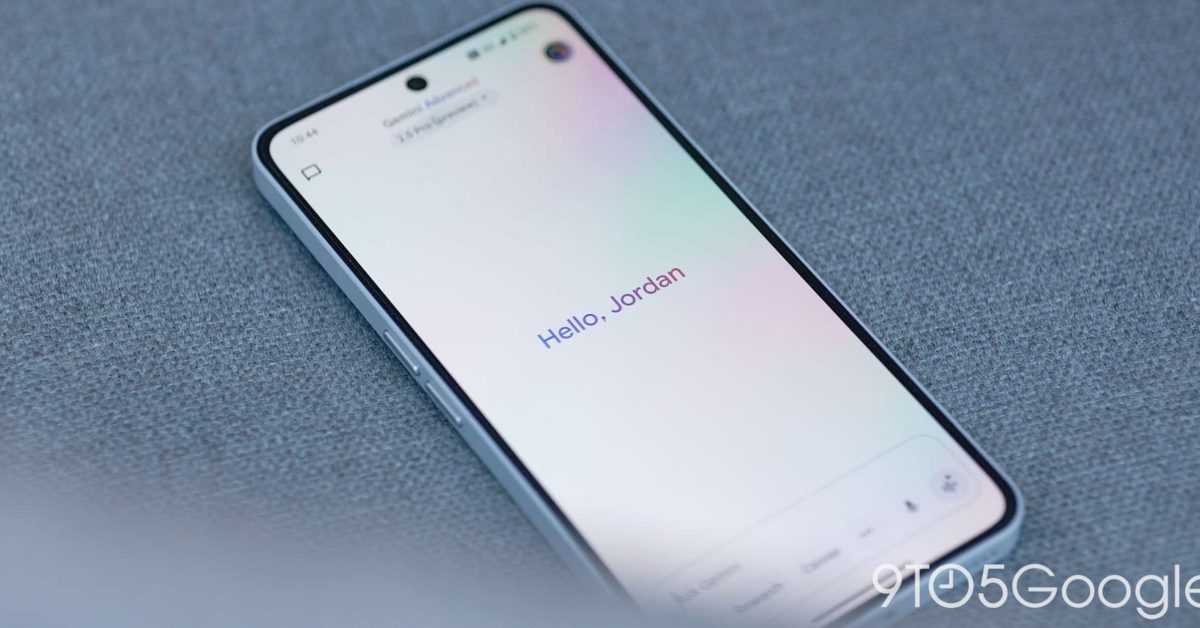
In a recent update, Google has introduced several user interface enhancements to the Gemini app on Android, alongside the rollout of the 2.5 Pro model. One significant addition is a new swipe gesture, allowing users to access Gemini Live quickly by swiping left.
UI Modernization: The ‘Plus’ Menu Adjustments
Google has reverted the ‘plus’ menu in the Gemini app to a more traditional list format. This adjustment replaces the previously used pill-shaped buttons for Camera, Gallery, Files, and Drive, making the interface more straightforward. The update comes after the pre-I/O redesign last month, which noticeably reduced the menu’s size, displaying only these four key options.
Consistency Across Platforms
The switch to a list format might be seen as a bug; however, it aligns with the design approaches found in the web and iOS versions of the app, which have transitioned to native floating menus. Notably, the Gemini overlay on Android maintained the list format throughout this change.
Reorganized Features in the Prompt Box
In another noteworthy update, Gemini has rearranged the reading chips within the prompt box, giving priority to the Video (Veo) feature. This is followed by Deep Research and Canvas options, mirroring the layout of the web app. Users will generally see only two items at a time, with the ability to access the third through the menu.
Compact Overflow and New Icons
Additionally, today’s update has made the overflow menu more compact, resembling the model picker in design. The Canvas feature has also received a fresh new icon—the third iteration since its launch—replacing the previous ‘+’ symbol with a split circle design for enhanced visual appeal.
Enhanced User Interaction with Swipe Gesture
One of the most exciting features introduced is the ability to swipe left to launch Gemini Live directly. This gesture offers a quick and efficient way to navigate to the full-screen interface, serving as an alternative to accessing it through a corner button.
Availability of Updates
This new swipe gesture is currently in beta for the Google app on Android, while the other interface enhancements are available with the stable release of Google app version 16.21. This signifies Google’s ongoing commitment to enhancing user experience with Gemini through continuous updates and refinements.
Final Thoughts on the Gemini Updates
As Google continues to innovate, these updates to the Gemini app showcase a user-centric approach to design and functionality. Enhancements such as a simplified menu structure, reorganized chips, and a new gesture for accessing features signify Google’s commitment to improving user experience across its platforms. With these exciting changes, users can expect a more streamlined and efficient interaction with the Gemini app moving forward.
Exciting Updates to the Gemini App Interface
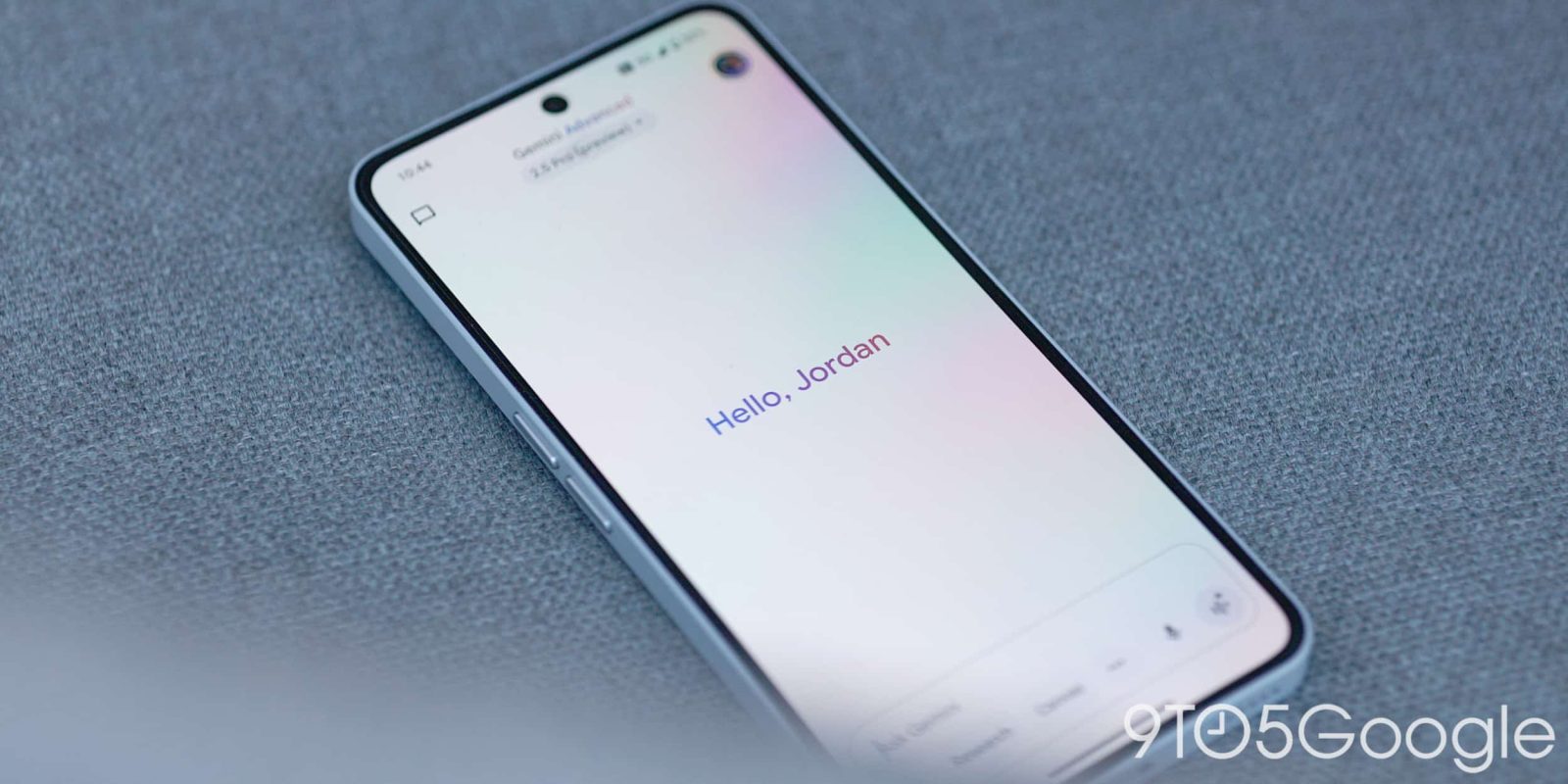
Recently, the Gemini app unveiled a series of user interface enhancements, aimed at improving user experience on Android devices. These updates coincide with the release of the 2.5 Pro model and signify Google’s ongoing commitment to optimizing its applications.
User Interface Revamp
One of the notable changes involves a shift back to a traditional list format for the app’s ‘plus’ menu. Previously, users encountered side-by-side buttons for features like Camera, Gallery, Files, and Drive. However, following a redesign prior to the Google I/O event last month, the menu now serves a concise list, enhancing clarity and ease of navigation.
Compatibility with Other Platforms
This update may appear as a bug to some, yet it mirrors design choices seen on the web and iOS platforms, where floating menus have become the norm. Interestingly, the Android version has consistently retained the list format, further aligning the experience across platforms.
Reorganizing the Prompt Box
Another change in this update is the reordering of elements within the prompt box. The configuration now prioritizes ‘Video (Veo)’ at the forefront, followed by ‘Deep Research’ and ‘Canvas’. Given that most devices display only two items at a time, users can easily access the third option through the menu.
New Iconography
The overflow menu has also been condensed for a cleaner aesthetic, similar to other recent interface updates. Notably, the Canvas icon has undergone a transformation, adopting a split-circle design, distancing itself from the previous ‘plus’ symbol, indicating a new direction in branding.
Enhanced Features for Quick Access
Adding to the efficiency of the app, users can now swipe left to instantly access Gemini Live. This gesture serves as a convenient shortcut, allowing for quick transitions to a fullscreen interface, streamlining user interaction.
Conclusion
These interface upgrades are currently available with the stable release of the Google app, prompting users to explore the new layout and functionalities. As Google continues to evolve its app ecosystem, these enhancements ensure a more intuitive experience, reinforcing its dedication to user-centric design.
